
Warning, extremely old Photoshop tutorials ahead!
These Photoshop tutorials are extremely old, we're talking around 1999 here, so we can't even remember what version of Photoshop
that was. So rather than get rid of them we thought we'd help out the people that still find them useful and celebrate our web design
heritage by keeping them here.
For the keen eyed among you, you can even spot the extremely old HTML from back in the day when web design was a little bit simpler (Mmmm, font tags). No responsive web design here!

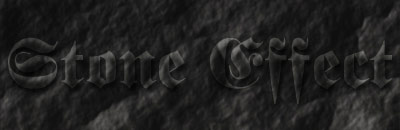
 |
 |
Start with a new RGB image. Fill it with a dark brown (but not too dark.
|
 |
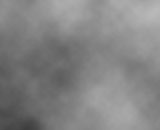 |
Click on the channels pallet and create a new channel. Choose Filter > Render > Clouds. |
 |
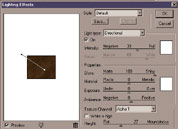 |
Click back on to the layer pallet. Choose Filter > Render > Lighting Effects. The settings I used were
|
 |
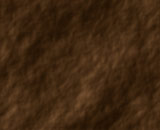 |
Click OK and there you have it Have a play about with the colour of your stone and the different light effects. |